A simple driving app — for when the road ahead & traffic are all the info you need.
HeadsUp Drive shows Google Maps traffic in a chase-plane view that follows the direction you’re headed. Zoom in, zoom out, and that’s it.

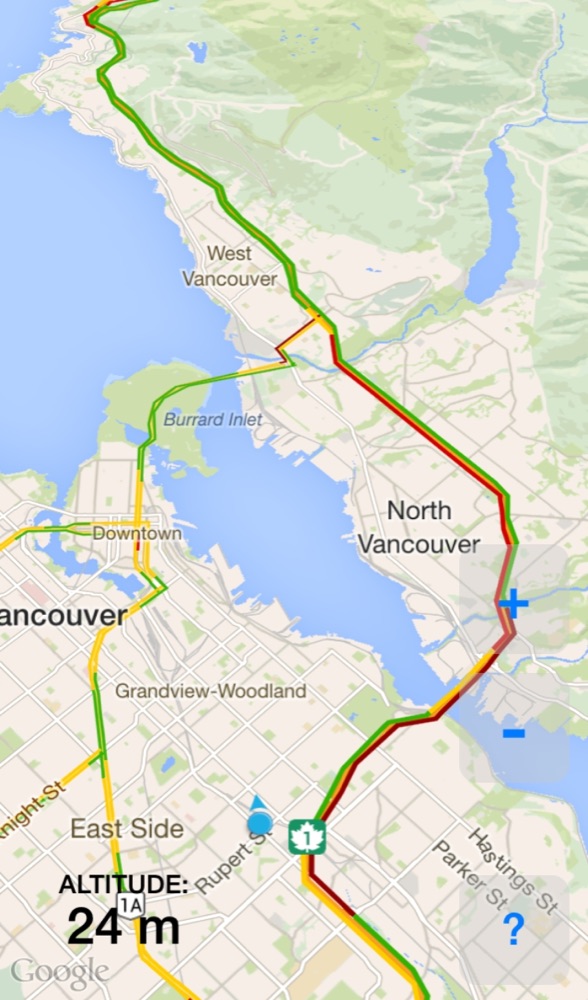
Adjusts automatically to what’s ahead
A tilted chase-plane view shows as much as possible into the distance.
Your blue dot is positioned at the lower part of the screen, revealing even more of the road ahead.
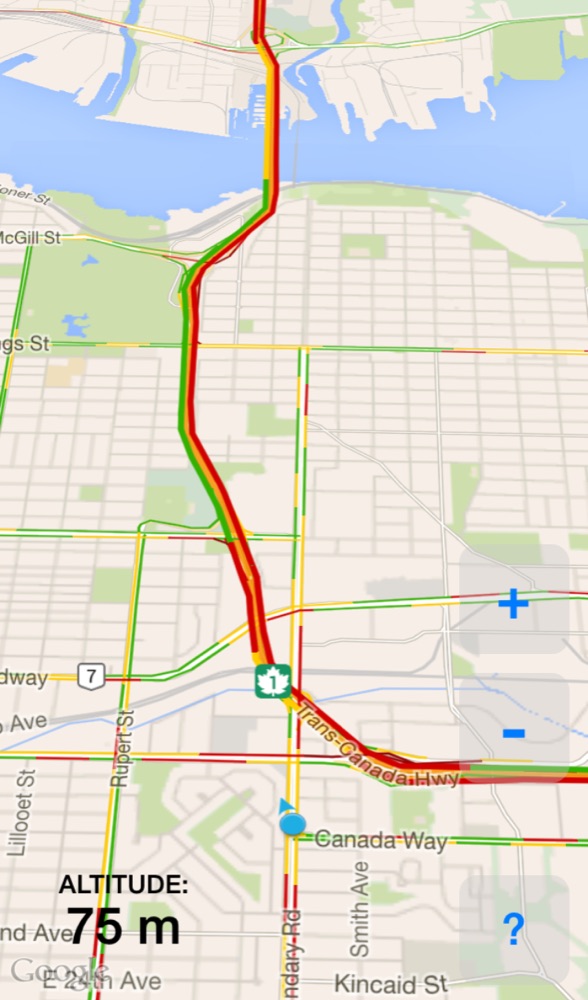
Google Maps — simplified for everyday use
Google Maps offers the best traffic information, and HeadsUp Drive strips away search, directions, and the features that can be clutter in everyday use.
Use the Google or Apple Maps apps when you need directions — but for everyday driving, the app I use most often is HeadsUp Drive.
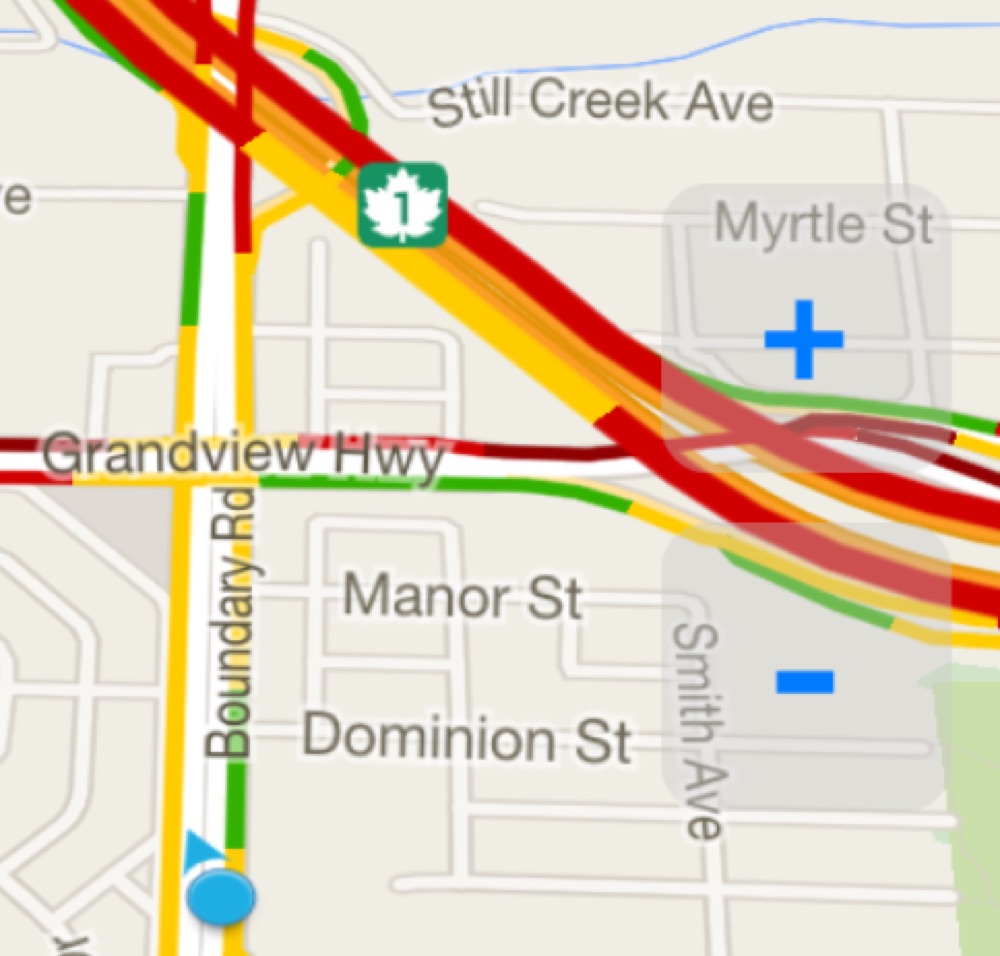
Easy tapping
Nice & simple: the only controls are big + and − buttons for zooming in & out. This frees you from the temptation to do anything else.
Leave it running as you drive for an occasional glance — much as you would use your speedometer or fuel gauge.
Get HeadsUp Drive for iPhone
Leave it running as you drive, for an occasional glance — just like your speedometer.